Metronome Practice for Drummers: Gap Clicks and Speed
Practising with a metronome is the standard advice, and for good reason. But just playing along with a beep on every beat only goes so far. After a while you lean on the click instead of owning the time yourself.
Here are three ways drummers use a metronome to actually improve their time, from simple to more demanding.
1. Move the click to 2 and 4
Instead of a click on every beat, set it to play only on beats 2 and 4, where the snare goes. Now the metronome feels like a backbeat, and you have to supply beats 1 and 3 yourself.
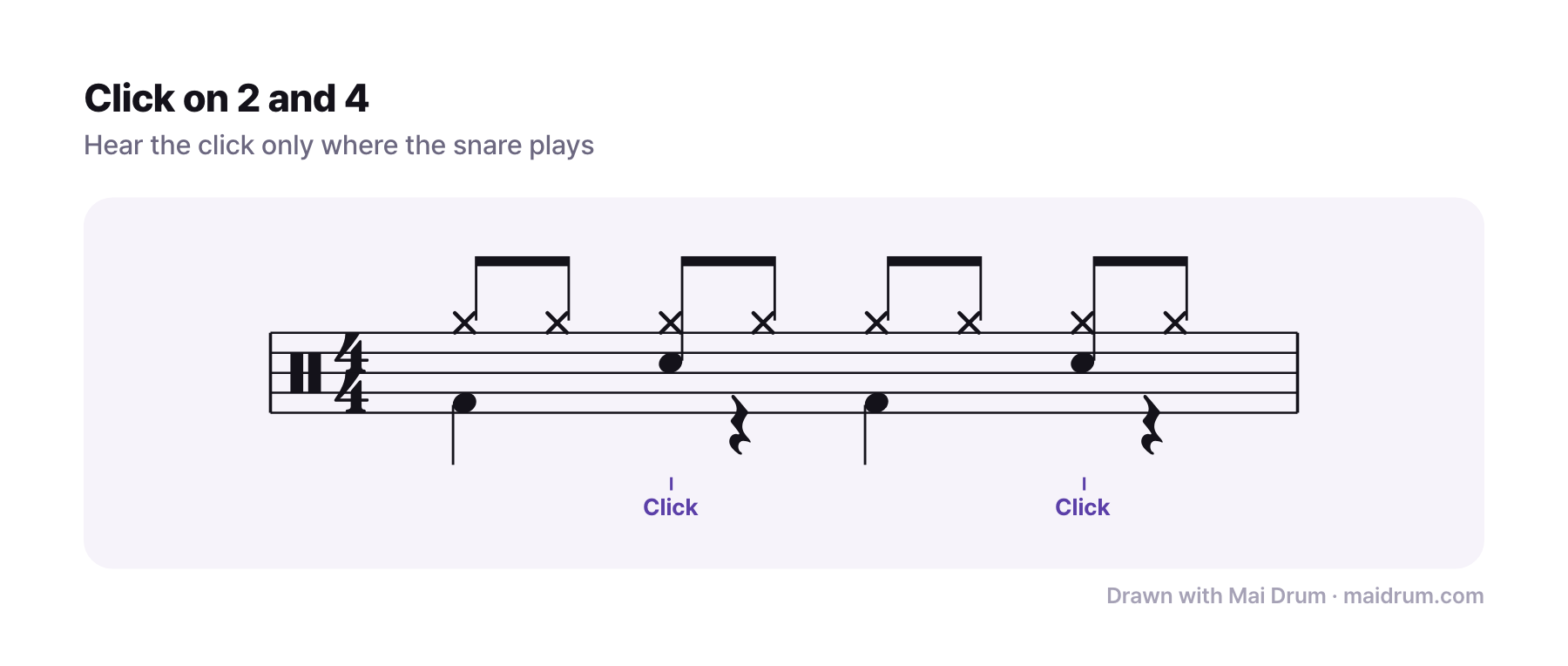
At first it feels like the click is on the "wrong" beat. Count "1 2 3 4" out loud until the click lines up with your snare. Once it does, your groove will feel more relaxed and swinging than it does with a click on every beat.
If your metronome can't skip beats, halve the tempo and count the click as 2 and 4. At 60 BPM, a click on every beat becomes 2 and 4 at 120.
2. Gap clicks: let the click drop out
A gap click plays for a few bars, then goes silent for a few bars, then comes back. You keep playing through the silence. When the click returns, you find out instantly whether you rushed or dragged.
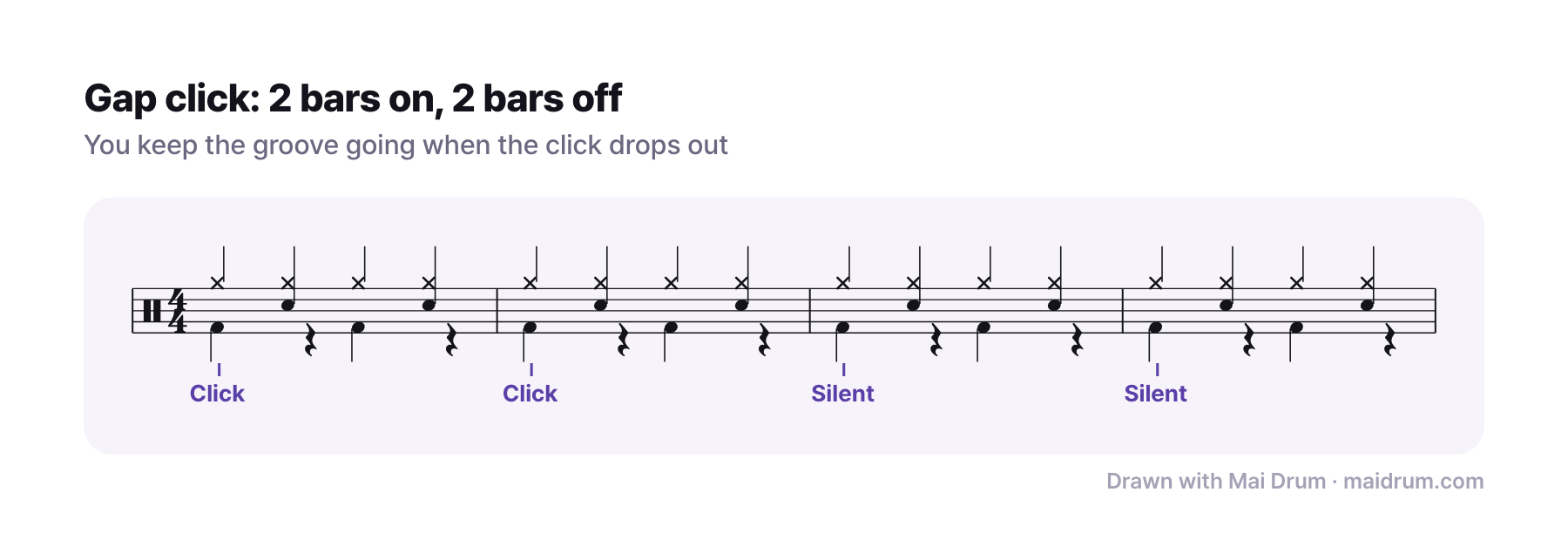
Start with 2 bars on, 2 bars off. When you land right on the click every time, make the gap longer: 2 on, 4 off, then 1 on, 4 off. This is one of the best ways to build an internal clock, because it tests you over and over without you having to check yourself.
3. Speed training: go faster in small steps
When you want to play something faster, don't just push the tempo up. Raise it in small steps and stay at each one long enough to stay relaxed.
- Find the tempo where you can play it perfectly and comfortably
- Play it several times, then raise the tempo by 2 to 4 BPM
- If it gets tense or messy, drop back one step and stay there for a while
- Stop for the day before you're tired. Tomorrow's starting tempo will usually be a little higher
Many metronomes can do this for you: raise the tempo automatically every few bars or every few minutes, up to a target.
Make the click sound like drums
A plain beep on every beat is easy to tune out. Accenting beat 1, making some beats quieter, or giving certain beats a rim sound turns the click into something closer to a drum part, and it's much easier to lock in with.
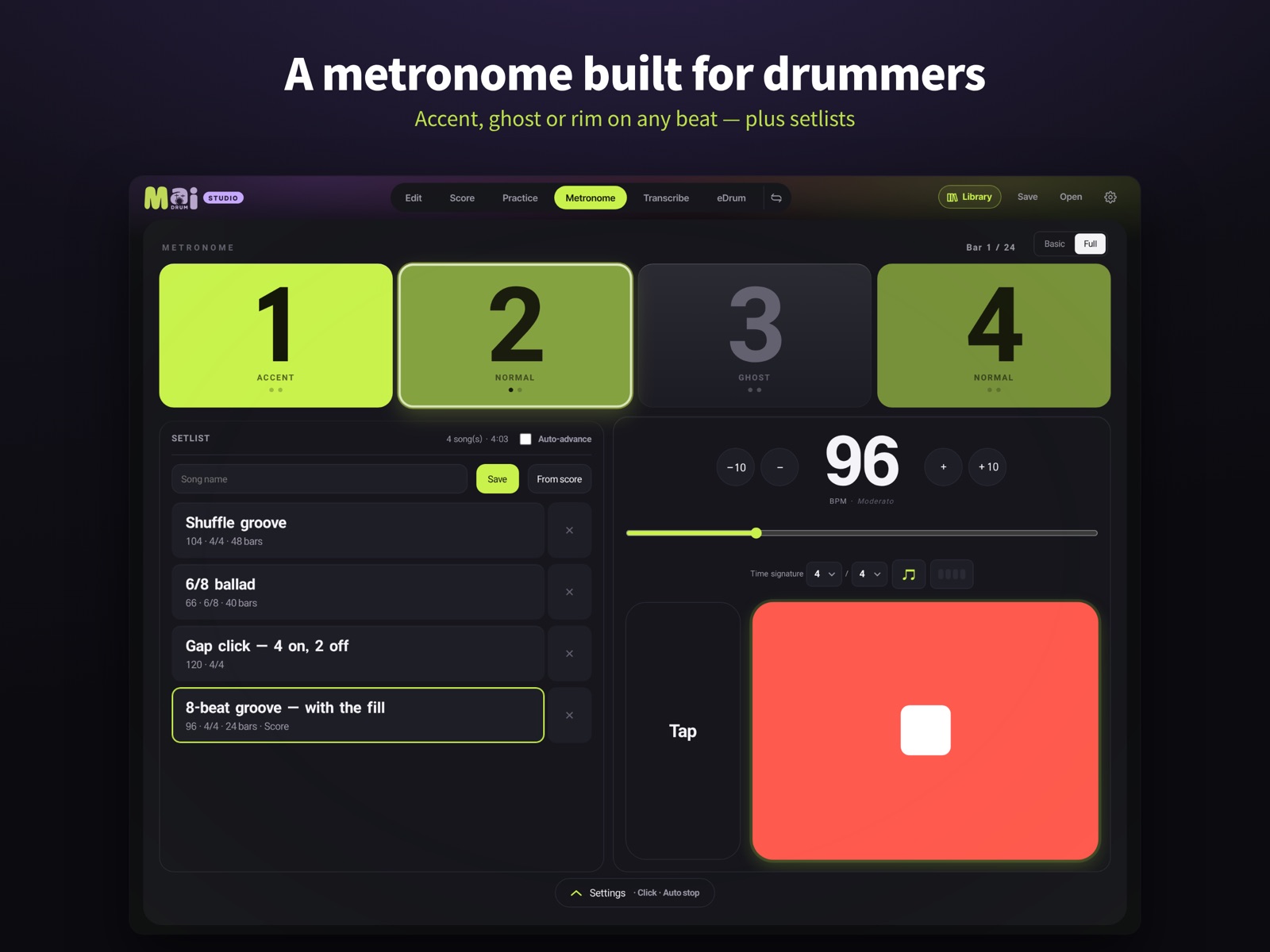
The metronome in the Mai Drum iPad and Android tablet app was built around these ideas: a sound for each beat (accent, normal, ghost, rim or silent), a gap trainer with a click-silent-click pattern you choose, automatic tempo increases every few bars or minutes, and setlists for your practice songs.
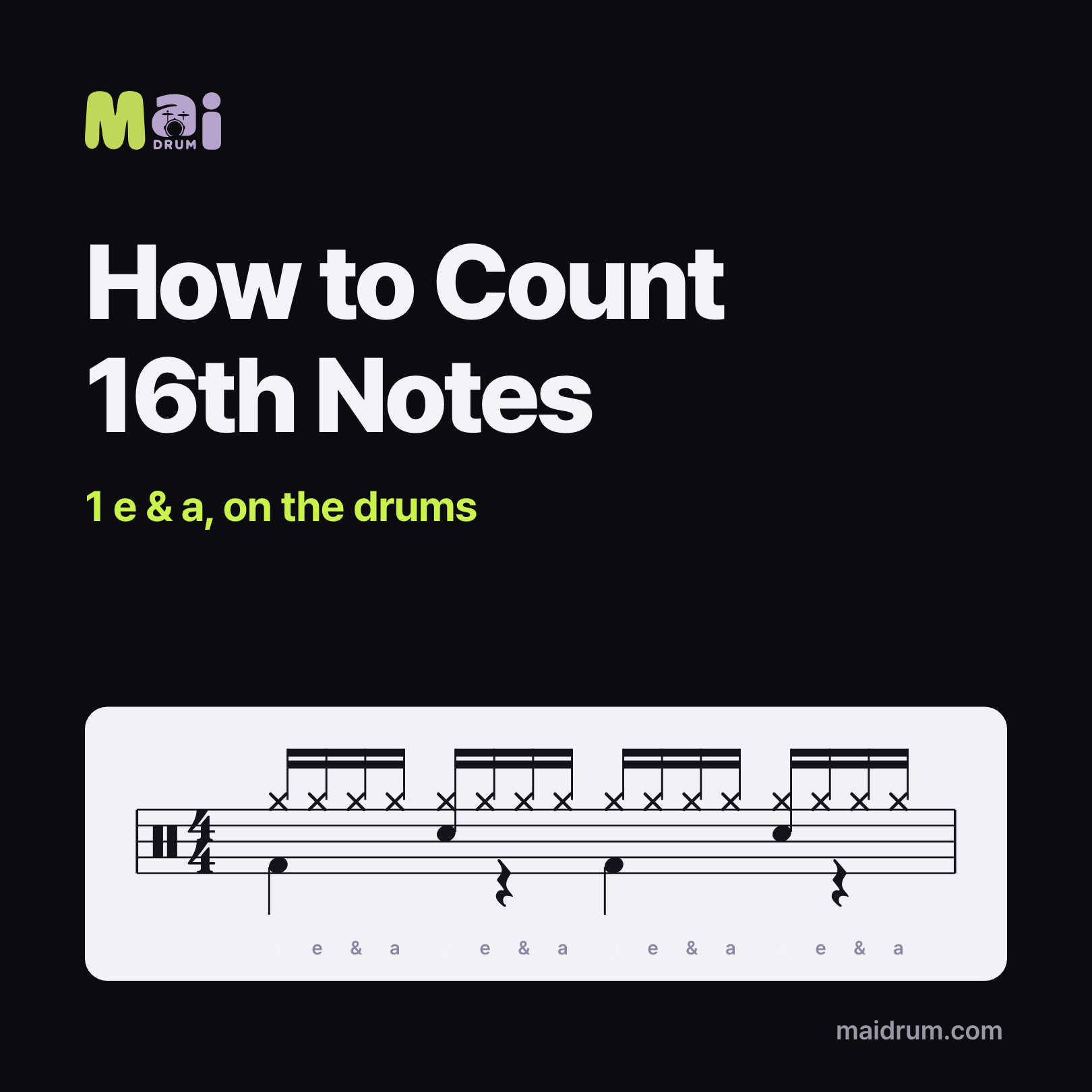
Whichever metronome you use, the goal is the same: the click is there to check your time, not to hold it up for you. Pair this with How to Count 16th Notes and count out loud while you practise.